
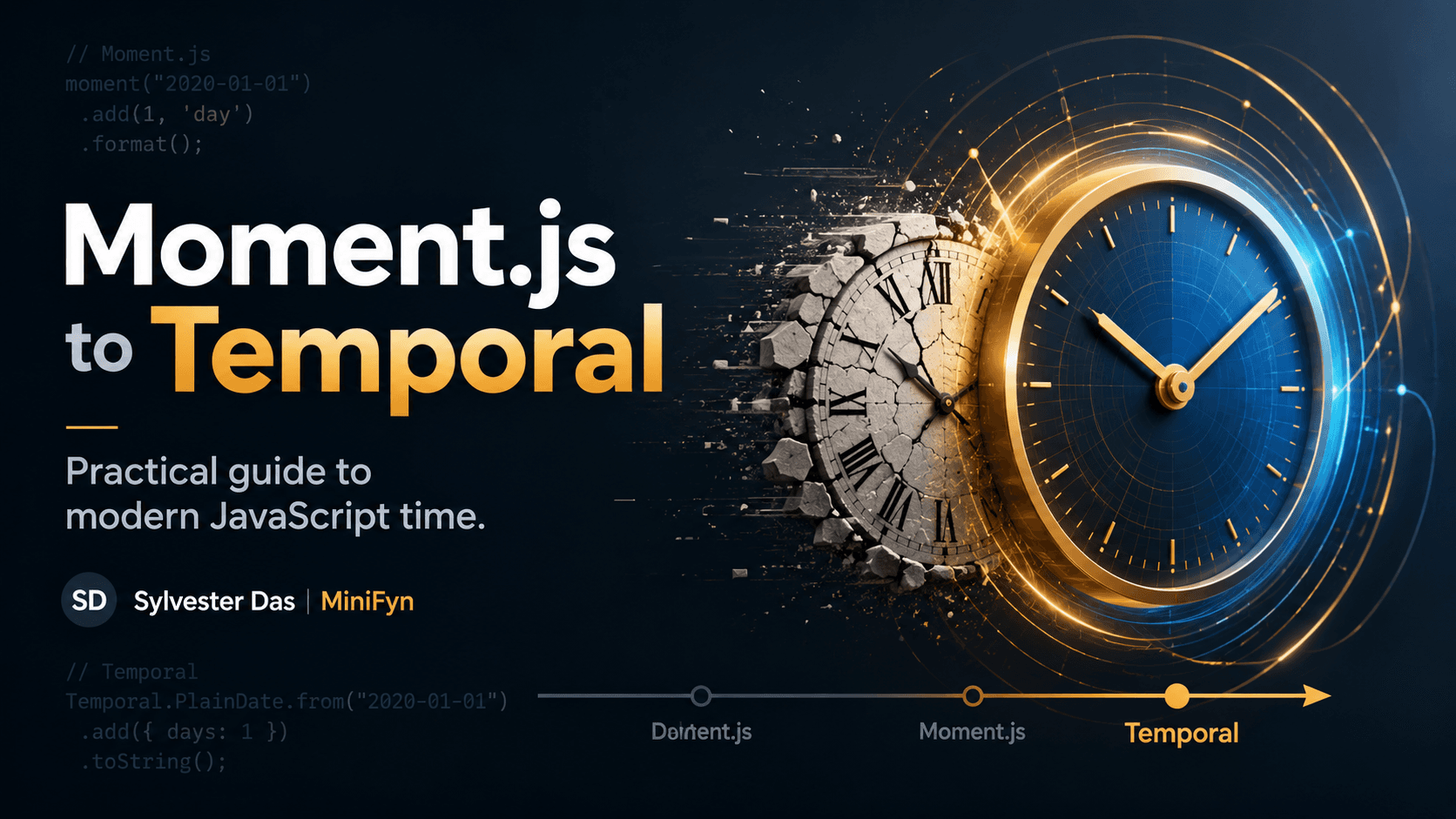
Migrating from Moment.js to the Modern JavaScript Temporal API
For years, Moment.js served as the de facto standard for handling dates and times in JavaScript, filling critical gaps left by the native Date object. However, as the JavaScript ecosystem evolved, so did the need for a more robust, immutable, and standardized approach to temporal values. Enter the JavaScript Temporal API, a powerful new global object designed to finally bring modern date and time capabilities directly to the language.
While Date is built-in, it's notorious for its mutable nature, limited formatting options, and complex handling of time zones and daylight saving. Moment.js addressed many of these issues, offering a user-friendly API, but it came with its own set of drawbacks: a large bundle size, a mutable object model that could lead to unexpected side effects, and a declaration of maintenance mode in favor of newer solutions.
Introducing the Temporal API
The Temporal API is a stage 3 ECMAScript proposal that aims to solve these problems by providing a rich, immutable, and ergonomic API for working with dates and times. It introduces several new core types, each representing a distinct concept:
Temporal PlainDate: Date without a time or time zone.Temporal PlainTime: Time without a date or time zone.Temporal PlainDateTime: Date and time without a time zone.Temporal ZonedDateTime: Date, time, and time zone.Temporal Instant: A specific point in time, independent of calendars or time zones.Temporal Duration: Represents a length of time.Temporal TimeZone: Represents a specific time zone.Temporal Calendar: Represents a calendar system.
Practical Migration Recipes: From Moment.js to Temporal API

Migrating from Moment.js involves understanding these new types and how to translate common operations. Here are some practical "recipes" to get you started.
1. Getting the Current Date and Time
Moment.js:
moment(); // Current date and time in local timezone
moment.utc(); // Current date and time in UTC
Temporal API:
// Current date and time in local timezone
Temporal.

Now.plainDateTimeISO();

// Current date and time in UTC
Temporal.

Now.instant().toZonedDateTimeISO('UTC');
2. Parsing Date Strings
Moment.js:
moment('2023-10-27');
moment('2023-10-27 10:30', 'YYYY-MM-DD HH:mm');
Temporal API:
// Parsing an ISO 8601 date string
Temporal.

PlainDate.from('2023-10-27');

// Parsing an ISO 8601 date-time string
Temporal.

PlainDateTime.from('2023-10-27T10:30:00');

// For non-ISO formats, you might need to pre-process the string or use a parsing library.
// Example for 'YYYY-MM-DD HH:mm' (assuming it's local time and you want PlainDateTime)
// Not directly supported by Temporal.from for arbitrary formats like Moment.js.
// You'd typically parse into components or ensure ISO format.
// For example, if you know the components:
// new Temporal.

PlainDateTime(
2023, 10, 27, 10, 30);
*Note: Temporal's parsing is stricter, primarily favoring ISO 8601. For arbitrary custom formats, you might need to manually parse components or use a helper function.
3. Formatting Dates
Moment.js:
moment('2023-10-27').format('YYYY/MM/DD'); // "2023/10/27"
moment().format('MMMM Do YYYY, h:mm:ss a'); // "October 27th 2023, 10:30:45 am"
Temporal API: Temporal itself does not provide a direct formatting method like Moment.js. Instead, it leverages the built-in Intl DateTimeFormat for internationalized formatting, which is more powerful and flexible.
const plainDate = Temporal.

PlainDate.from('2023-10-27');
new Intl.

DateTimeFormat('en-US', {
  year: 'numeric',
  month: '2-digit',
  day: '2-digit'
}).format(plainDate); // "10/27/2023" (locale dependent, adjust options)

const plainDateTime = Temporal.

PlainDateTime.from('2023-10-27T10:30:45');
new Intl.

DateTimeFormat('en-US', {
  year: 'numeric',
  month: 'long',
  day: 'numeric',
  hour: 'numeric',
  minute: 'numeric',
  second: 'numeric',
  hour12: true
}).format(plainDateTime); // "October 27, 2023 at 10:30:45 AM"
*Tip: For custom formats, you can extract components (e.g., plainDate.year, plainDate.month) and construct the string manually, or use Intl DateTimeFormat with specific options.
4. Adding and Subtracting Durations
Moment.js:
moment('2023-10-27').add(5, 'days');
moment('2023-10-27').subtract(2, 'months');
Temporal API: Temporal uses Duration objects for arithmetic, promoting clarity and immutability.
const startDate = Temporal.

PlainDate.from('2023-10-27');

// Add 5 days
startDate.add({ days: 5 }); // Returns a new PlainDate: 2023-11-01

// Subtract 2 months
startDate.subtract({ months: 2 }); // Returns a new PlainDate: 2023-08-27
5. Time Zone Handling
Moment.js (with Moment-timezone):
moment.tz('2023-10-27 10:00', 'America/New_York');
Temporal API: The ZonedDateTime type is specifically designed for time zone-aware operations.
Temporal.

ZonedDateTime.from({
  year: 2023,
  month: 10,
  day: 27,
  hour: 10,
  timeZone: 'America/New_York'
});

// Or from an Instant in a specific time zone
const instant = Temporal.

Instant.from('2023-10-27T14:00:00Z');
instant.toZonedDateTimeISO('America/New_York'); // 2023-10-27T10:00:00-04:00[America/New_York]
6. Calculating Differences Between Dates
Moment.js:
const date1 = moment('2023-10-01');
const date2 = moment('2023-10-27');
date2.diff(date1, 'days'); // 26
Temporal API: Use the until() or since() methods, which return a Duration object.
const date1 = Temporal.

PlainDate.from('2023-10-01');
const date2 = Temporal.

PlainDate.from('2023-10-27');

date1.until(date2).days; // 26
// Or to get a Duration object with multiple units
date1.until(date2, { largestUnit: 'mon
ths' }); // P26D

Key Considerations and Tradeoffs
While the Temporal API offers significant improvements, there are practical aspects to consider during migration:
Browser Support: As a relatively new proposal, native browser support is still evolving. You will likely need a polyfill (e.g.,
@js-temporal/polyfill) for broader compatibility in production environments today.Learning Curve: The new types and immutable paradigm require a shift in thinking, especially for developers accustomed to Moment.js's mutable chainable API.
Strictness: Temporal is more opinionated about valid inputs (e.g., preferring ISO 8601 strings), which can require more upfront data cleansing but leads to fewer unexpected errors.
Intl DateTimeFormatfor Formatting: Relying onIntl DateTimeFormatfor output is a powerful move towards internationalization, but it means a different approach than Moment.js's custom format strings.
Conclusion
The JavaScript Temporal API represents a significant leap forward for date and time handling in the language. By embracing immutability, explicit types, and a robust API for time zones and calendars, it addresses the long-standing pain points that led to the widespread adoption of libraries like Moment.js. While a migration requires some effort and a polyfill for immediate use, the benefits of improved reliability, maintainability, and a future-proof approach to temporal data make it a worthwhile investment for any modern JavaScript project. Start experimenting with Temporal today to prepare your applications for a more precise and predictable future.